 StaffBee
For the days a phone can’t punch.
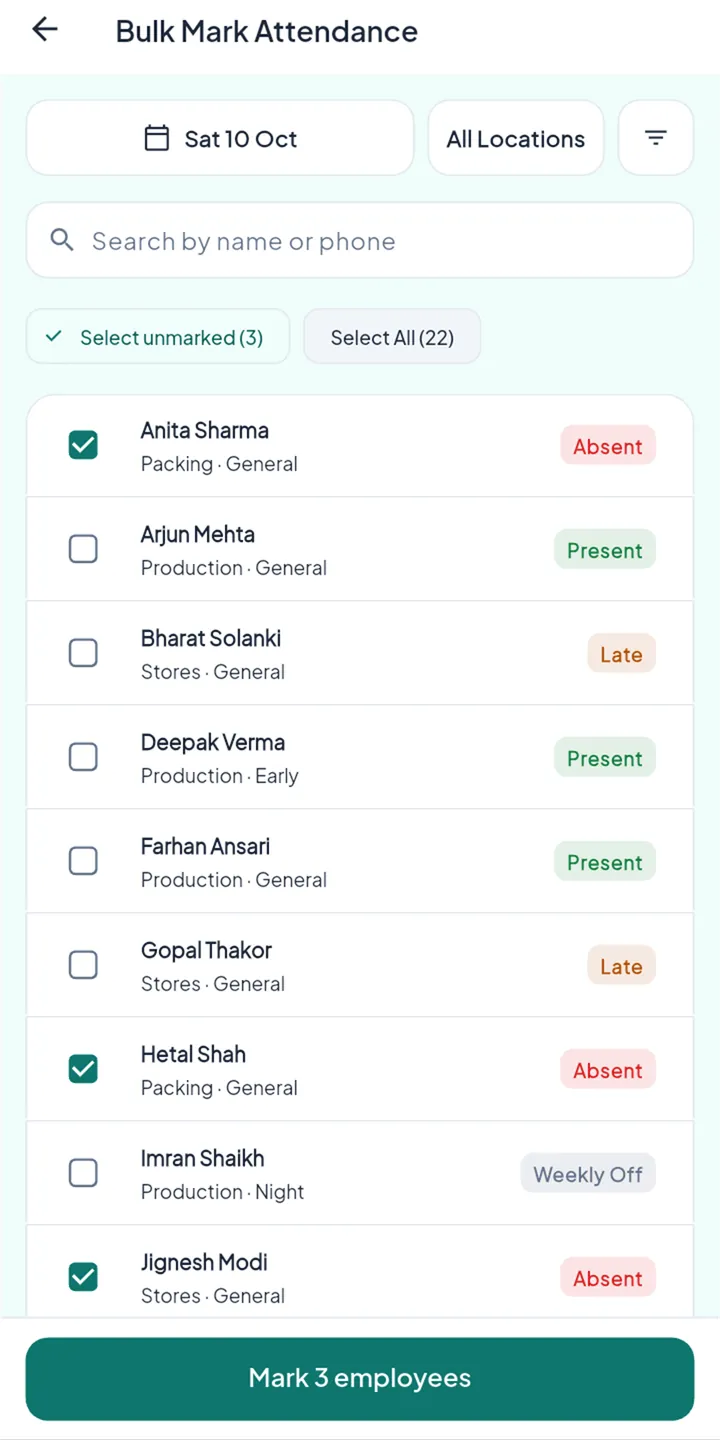
A helper without a smartphone, a phone left at home, a day at a client’s site. Mark one person or a whole team in a few taps, with a reason, and every change on record.
Real businesses always have a few people a phone can’t cover. They shouldn’t fall back to the register.
Three steps, set up once.
- 1
Open Bulk Mark
Pick the day and the workplace. Everyone’s status for that day is listed.
- 2
Select the people
“Select unmarked” picks only those still without a record. Or choose people one by one.
- 3
Mark with a reason
Present, half day, absent or specific hours. The reason and your name are saved with it.
A full team in one screen.
- Filter by workplace, team or shift
- Present, late, absent and weekly off at a glance
- Every change in the day’s history
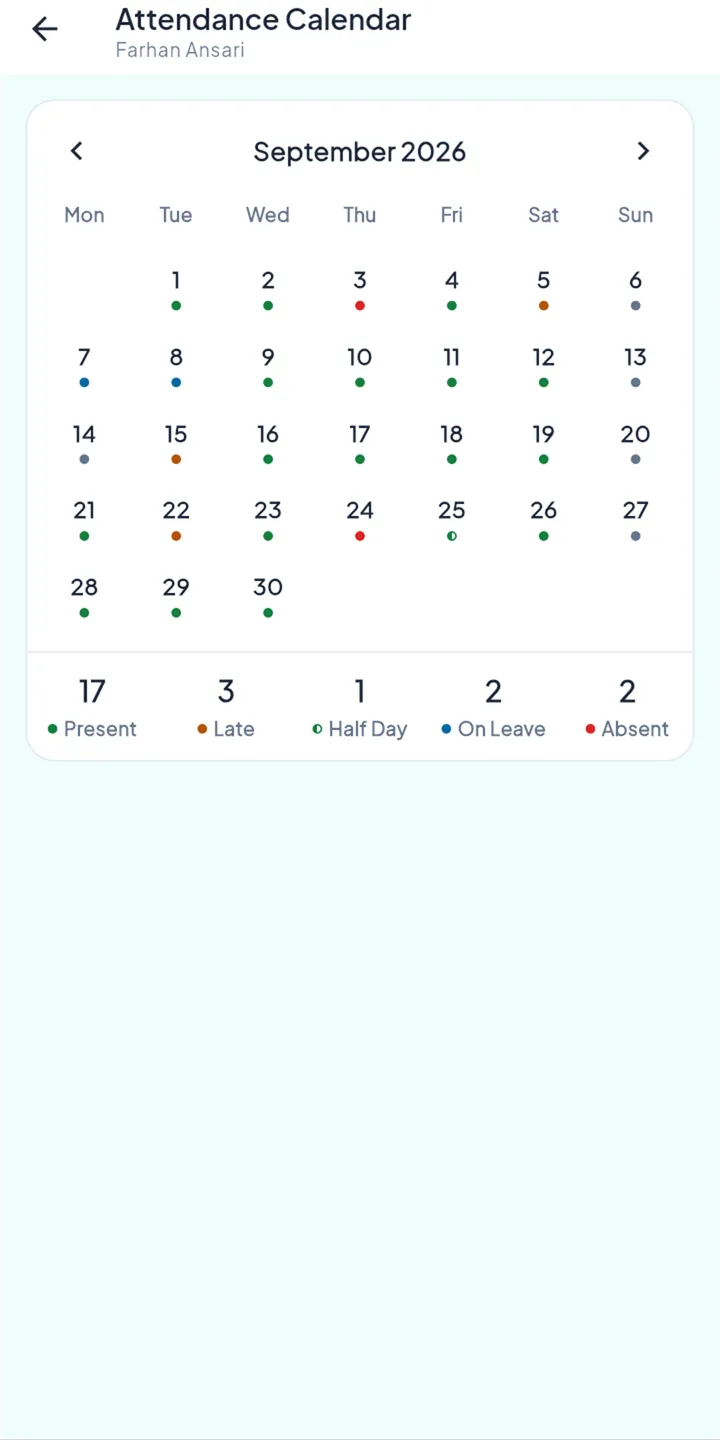
Their day, with the reason.
- The day on their calendar with its status
- Who marked it, so nothing is hidden
The rules behind it.
Punches are never erased
A manual mark changes the day’s status. The original punch, place and selfie stay.
A reason every time
Each change carries who made it, when and why.
Nobody marks their own day
Managers and supervisors can mark others, never themselves.
Permission-based
Only roles you allow can mark attendance, and supervisors only for their own teams.
Questions
Can I correct a past day?
Yes. If that month’s payslip is already paid, it stays as it is and the difference is carried into the next salary.
Can a supervisor mark attendance?
If you allow it, for the workplaces and teams they look after.