 StaffBee
Reports, Excel and PDF
Every number, ready for your accountant.
See the day, the month, late arrivals and leave balances for everyone, filtered by workplace or team. Download any of it as Excel or PDF.
A register can’t tell you who was late most this month. A report can, in a second.
How it works
Three steps, set up once.
- 1
Pick a report
Daily attendance, monthly summary, late arrivals or leave balances.
- 2
Filter it
By date or month, workplace, team or shift.
- 3
Export
Excel to work with, or PDF to print and file.
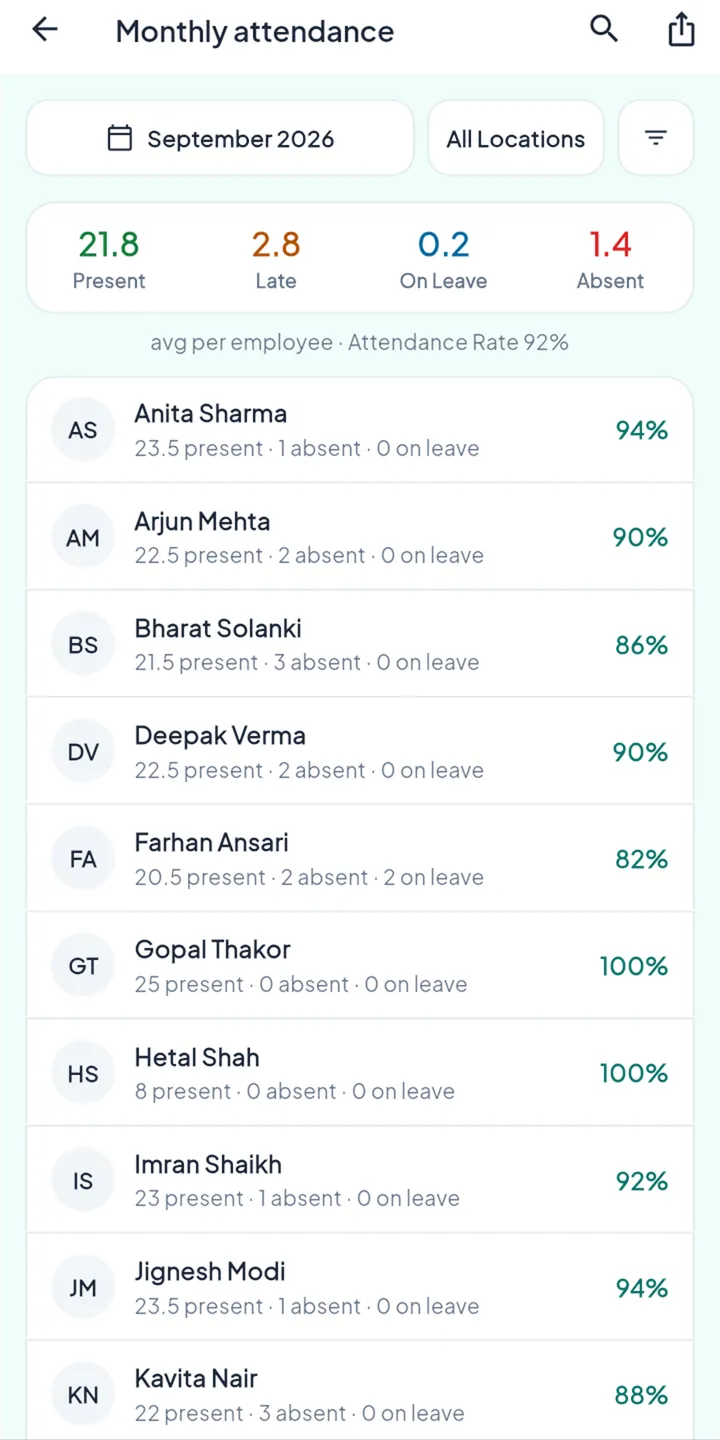
The month at a glance.
- Team averages: present, late, leave, absent
- Each person’s attendance rate
- Payroll register and payslips in one download
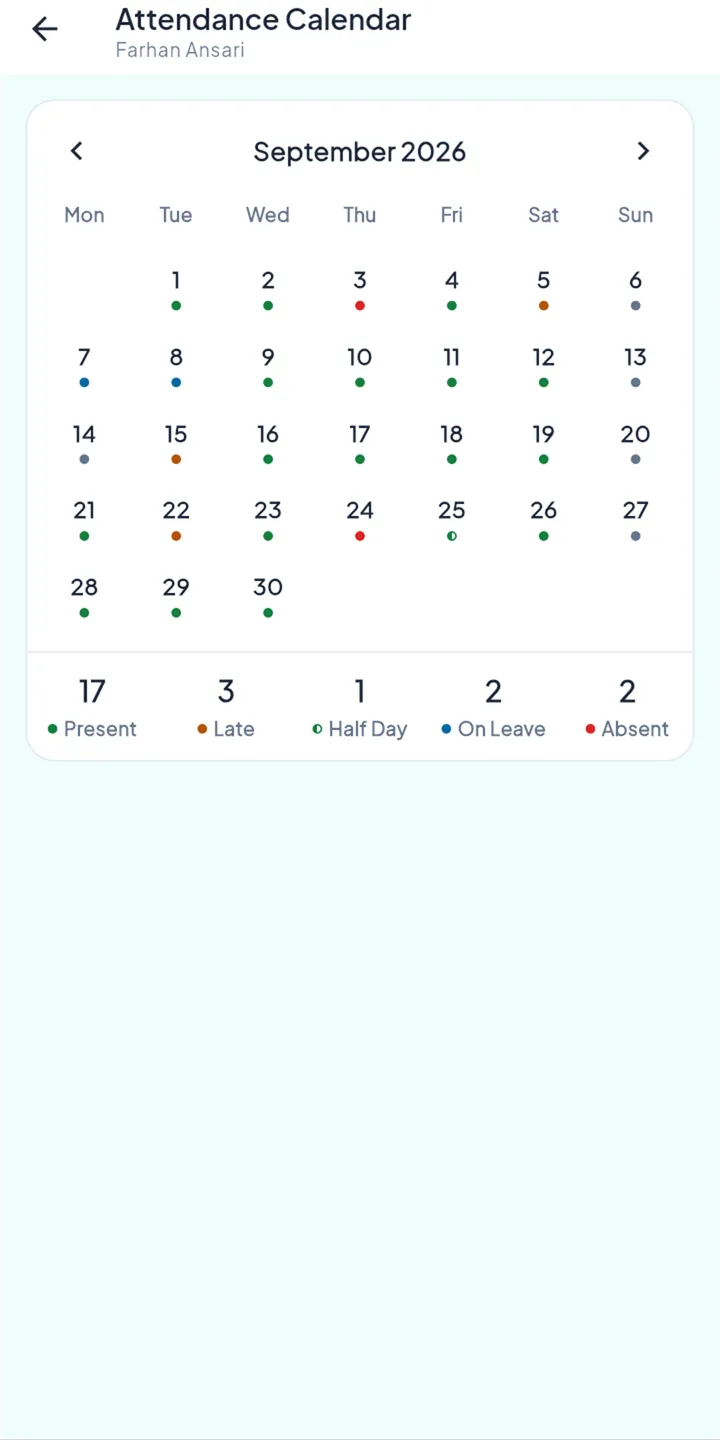
Their own record, nobody else’s.
- Their month and their counts
- Nothing about colleagues
Why you can trust it
The rules behind it.
Counted the same way everywhere
Reports, the dashboard and salary all count from the same closed days.
History stays true
A report shows where and on which shift someone worked that day, even after they move.
Export is a permission
Only roles you allow can download reports.
Questions
Can I export the payroll?
Yes. The payroll register and all payslips download as Excel or PDF.
Is my data mine to take?
Yes. Export it whenever you like.
Goes well with
Month end in minutes, not evenings.
Get it on Google Play (opens in a new tab)App Store · Coming soon